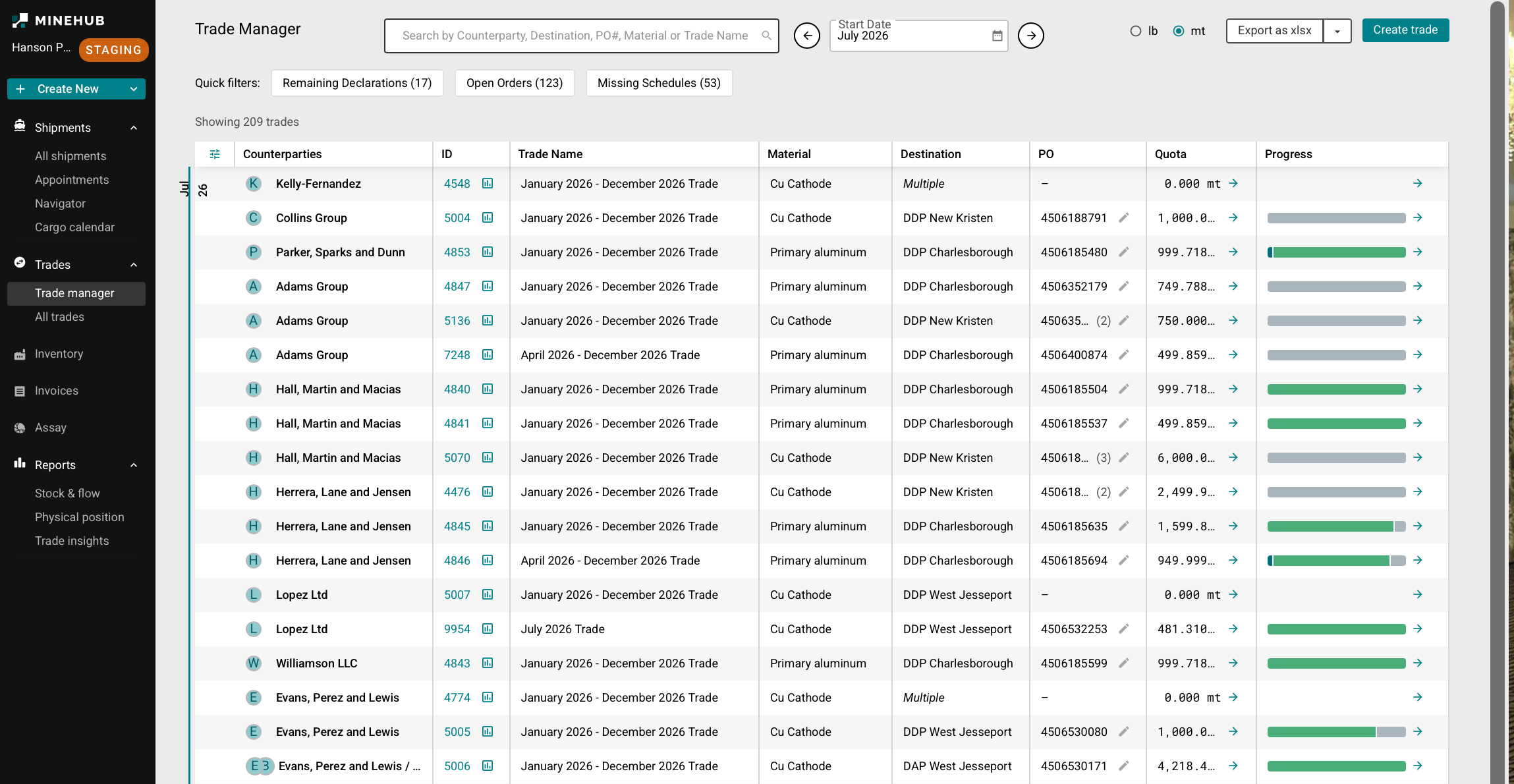
Log into MineHub Trade Management
This guide covers how to log in to the MineHub Trade Management platform.
Logging in
First, login to the app via MineHub
If you haven’t received the invitation link, please contact a MineHub team member, who will be able to share one with you.
Please ensure you are logging in with the same email address that was provided from the MineHub team, in exact same format.
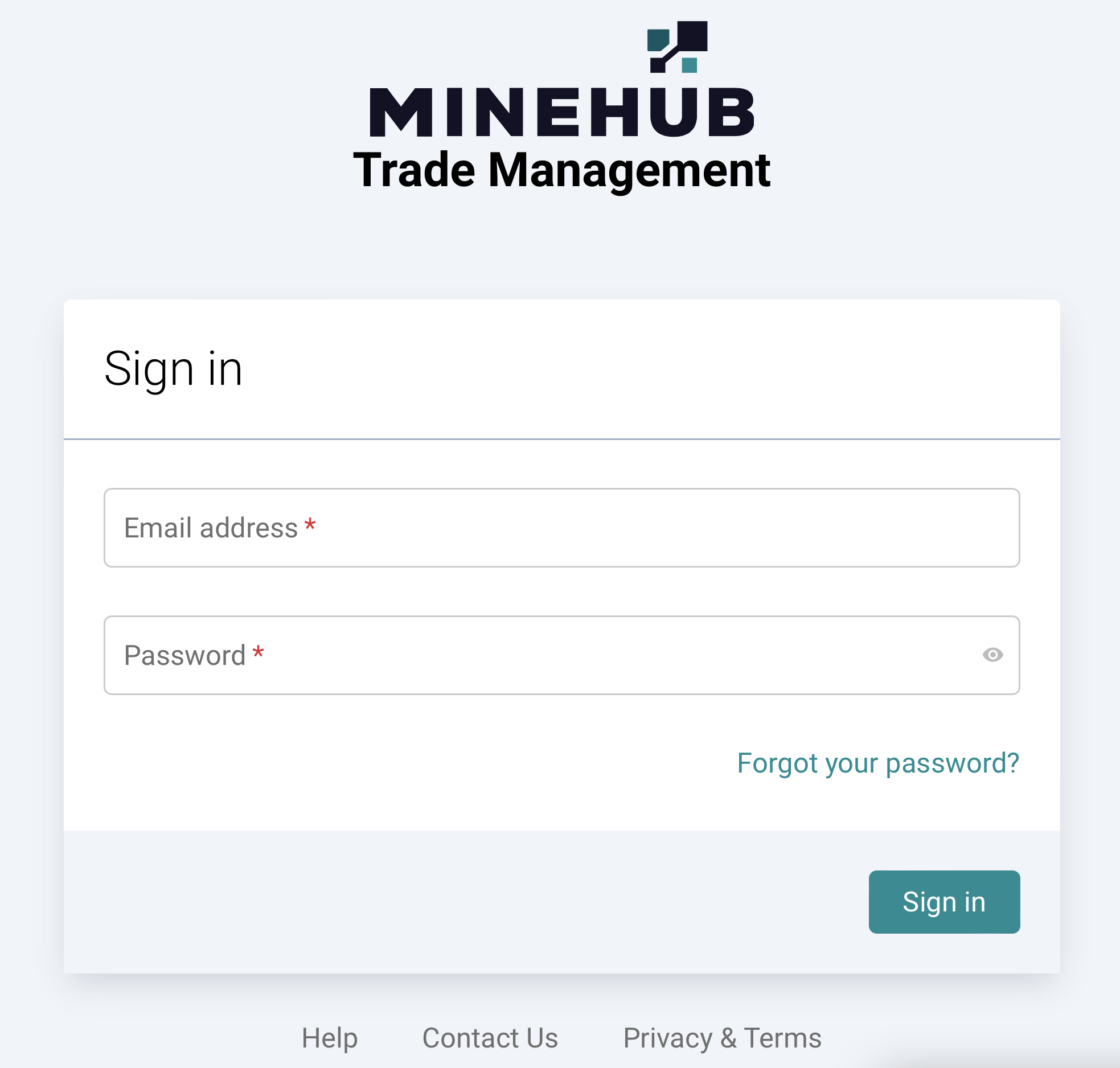
Upon successful login, you will be directly taken to the Dashboard which shows the Trade Manager page. Here, you have access to a comprehensive list of features, including:
Shipments: Track and manage shipments.
- All shipments: Full list of shipments across trades.
- Appointments: Scheduled loading/discharge appointments.
- Navigator: Map/tracking view of shipment movement.
- Cargo calendar: Calendar view of shipment activity by date.
Trades: View and manage all your trades.
- Trade manager: Manage trades, orders, and shipment progress.
- All trades: Full list of all trades.
Inventory: Monitor your inventory.
Invoices: Track and manage invoices.
Assay: Track and manage assays.
Reports: View stock & flow, physical position, and trade insights reporting.
- Stock & flow: Inventory movement over time.
- Physical position: Current physical stock position.
- Trade insights: Analytics on trade activity.